
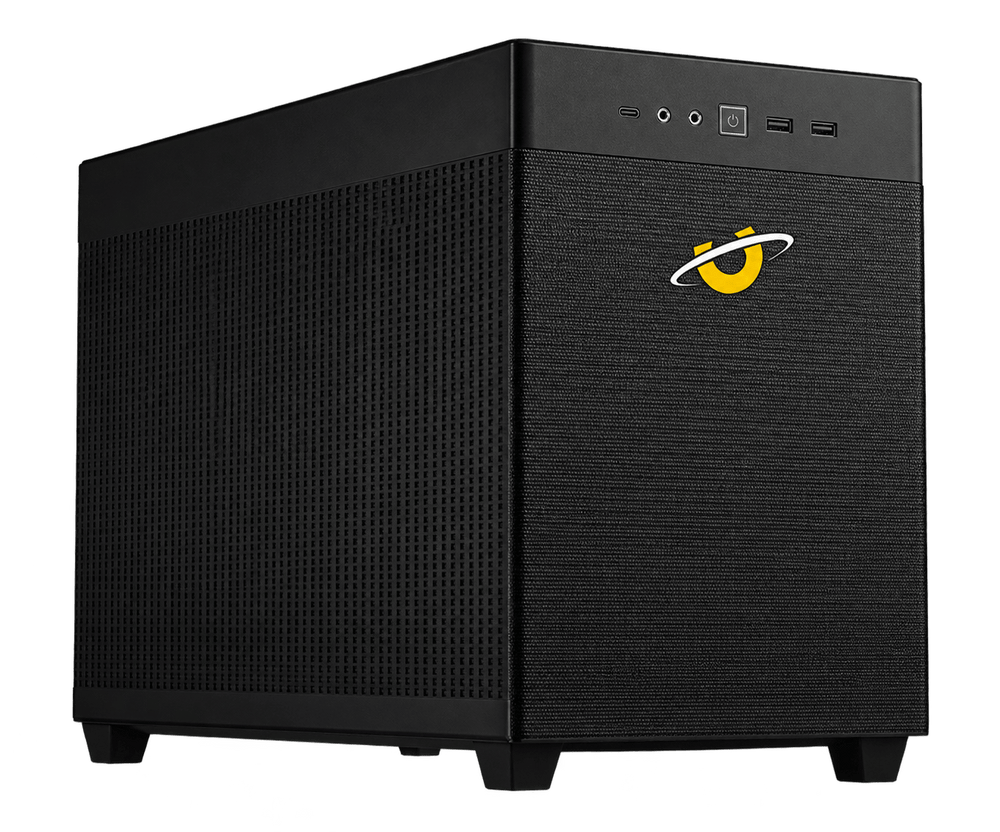
Sonox Mini
Professional workstation performance in a compact footprint.
Explore Sonox MiniFrom CAD and 3D to video, simulation and AI, we configure every Utopia workstation around the software you use and the work you need to get done.
Six workstations. One principle. Build the right machine for the work.
Compact to heavily expandable, for CAD, design, content and simulation.
Professional workstation performance in a compact footprint.
Explore Sonox Mini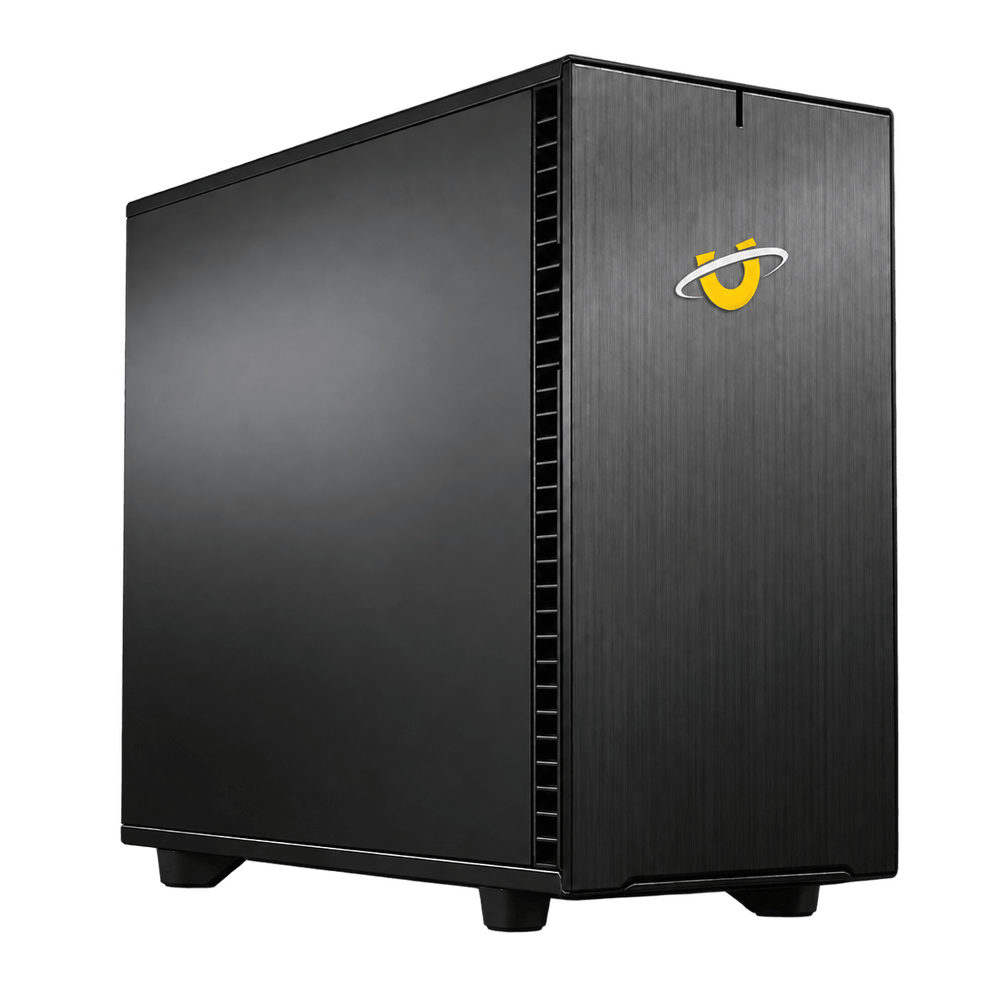
Our versatile all-round workstation for CAD, design, content creation and professional workflows.
Explore Sonox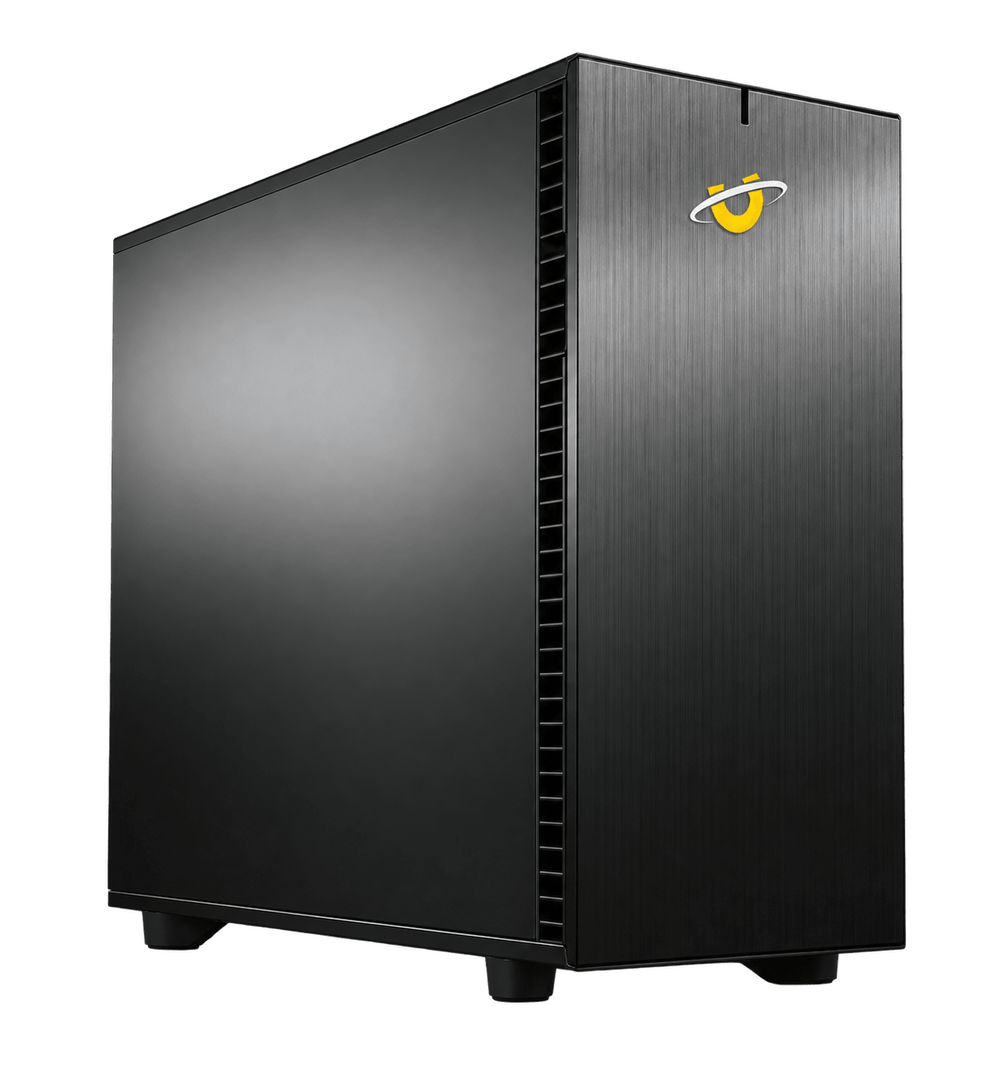
Threadripper Pro performance, ECC memory and serious expansion for demanding professional workloads.
Explore Sonox ProWhen the work is the GPU rather than the desktop around it.
Dual GPU performance for rendering and GPU-accelerated professional workloads.
Explore Sonox G2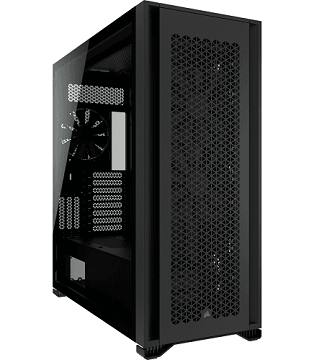
Threadripper Pro workstation built for heavier multi-GPU rendering and compute, with support for up to four professional GPUs.
Explore Sonox G4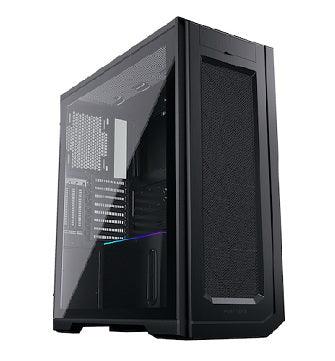
Our flagship multi-GPU workstation, engineered for extreme rendering and compute with up to six liquid-cooled GPUs.
Explore Sonox G6A workstation for SolidWorks shouldn't be configured like one for Blender. Premiere Pro, DaVinci Resolve, Revit and local AI all place very different demands on the hardware.
We look at the software you use, the size of your projects and where your current system slows you down before we recommend the specification.
The fastest component isn't always the fastest workstation.
CAD workstations live or die on responsive modelling and viewport performance, which usually comes down to the balance of processor speed, memory and professional graphics rather than any one headline figure. More cores don't automatically make CAD feel faster, and the packages don't all behave the same way.
A good starting point
Sonox
The versatile starting point for responsive CAD and engineering workloads.
Explore SonoxA 3D rendering workstation can look completely different depending on whether the job is modelling, animation, CPU rendering or GPU rendering. Where the render actually happens is what decides whether GPU performance and VRAM become the limit, or whether the processor does.
A good starting point
Sonox G2
Dual GPU capability makes this the natural starting point where GPU rendering becomes a major part of the workflow.
Explore Sonox G2Common software
Editing, grading and motion graphics depend on how the processor, graphics, memory and storage work together, and on the codecs you actually deliver in. A machine that flies through one format can struggle with another, which is why the timeline matters more than the benchmark.
A good starting point
Sonox
The standard Sonox is the sensible starting point. Heavier production workflows may need more, and we'll say so.
Explore SonoxCommon software
On an AI workstation, GPU performance and VRAM tend to decide which models and datasets are practical to run locally at all. The biggest GPU isn't always the right upgrade - it depends what you're running, and how much of it has to fit in memory at once.
A good starting point
Sonox G2
The starting point where GPU performance, VRAM and potentially multiple GPUs become important.
Explore Sonox G2Custom lets you choose the parts.
We configure them around the work.
Still not sure which Sonox?
Tell us what you use and what slows you down. We'll help you find the right workstation.
Explore workstation advice for the software you use.
From SolidWorks and Blender to Premiere Pro, DaVinci Resolve and local AI, go deeper into how individual applications use CPU, GPU, memory and storage.
Designed, assembled and tested by our team in Kilmarnock.
Long-term support without labour charges hanging over the system.
Speak to real people who understand the system we built.
Thirty years of building specialist PCs and workstations.

